
Android technicians often face challenges with FRP locks, firmware issues, screen locks, and other mobile software problems. UMT Tool V13.6 (Ultimate Multi Tool) helps simplify mobile servicing with features like FRP bypass, firmware flashing, factory reset, boot repair, and screen unlocking. This Windows-based tool also supports IMEI/NVRAM maintenance, bootloader management, network unlocking, and security backups for various Android devices.
What is UMT Tool?
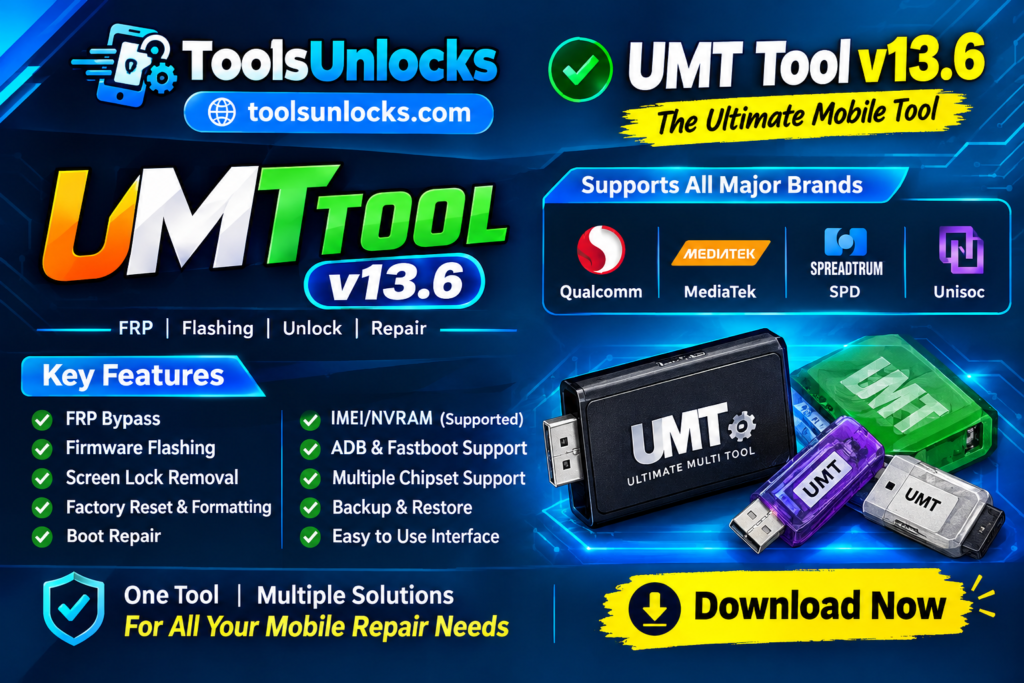
UMT Tool V13.6 is a mobile servicing utility that runs on Windows computers and helps users work with different Android device systems. It supports popular chipsets such as Qualcomm, MediaTek, and SPD, using connection methods like ADB, Fastboot, and Meta Mode. Its user-friendly interface and support for USB VCOM drivers make it a useful option for mobile repair shops and technicians handling different device models.
Features of UMT Tool v13.6
User-Friendly Interface
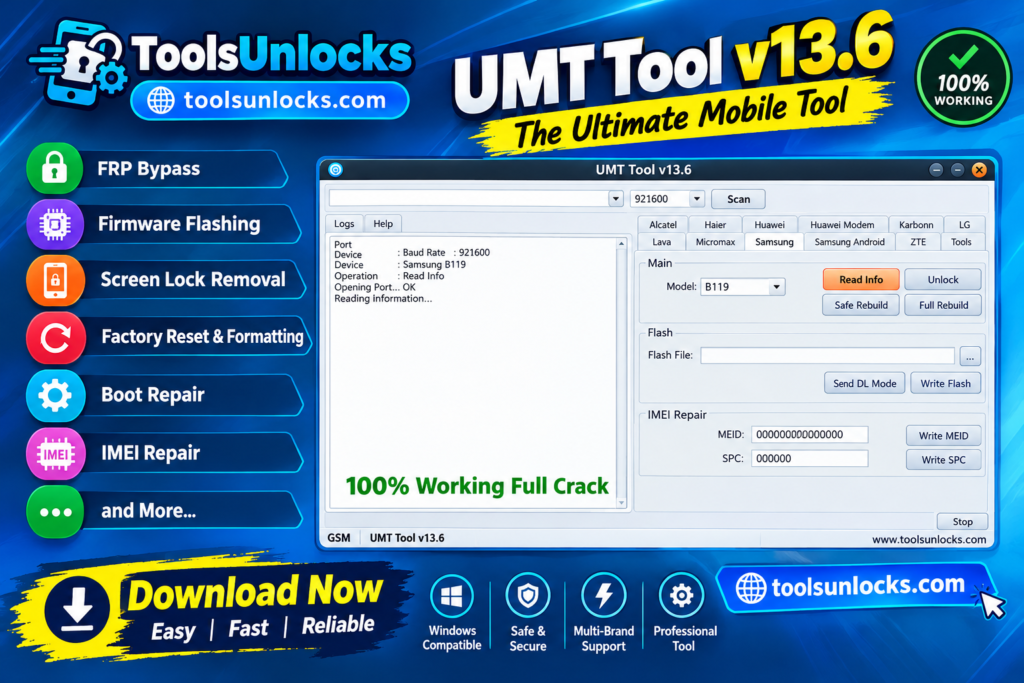
It has a simple dashboard that makes it easier to find and use different servicing options. Both new users and experienced technicians can navigate its available functions.
Multi-Chipset Compatibility
The tool supports several Android platforms, including Qualcomm, MediaTek (MTK), SPD, and Unisoc. This helps technicians handle devices from different manufacturers.
Screen Lock Removal
It provides screen-lock servicing options for supported devices. Depending on the model, users may be able to address PIN, pattern, and password lock issues.
FRP Bypass
Factory Reset Protection can block access to a phone after a reset. UMT Tool offers FRP-related functions for compatible devices and supported security versions.
Factory Reset and Formatting
Technicians can use the available reset and formatting options to resolve certain software problems. The correct method depends on the device, and some operations may erase user data.
Firmware Flashing
It supports firmware-related operations that can help restore damaged or unstable phone software. Compatible firmware and the correct device model are essential for avoiding further issues.
IMEI-Related Servicing
The tool includes IMEI-related maintenance options for supported devices. These functions should only be used for lawful repairs and must comply with local regulations.
Boot Repair
Phones stuck on the startup logo or experiencing bootloop errors may need software-level repair. UMT Tool provides relevant servicing functions for compatible devices.
Security Backup and Restore
Some servicing operations can affect important device data or security partitions. Available backup and restore options can help technicians preserve supported information before attempting repairs.
Automatic Chipset Detection
UMT Tool can help identify supported device chipsets, making it easier to select the appropriate servicing method. Detection and available functions may vary by device.
Qualcomm Module Improvements
The UMT QCFire module includes features such as an updated loader database and improved raw XML flashing support. These functions are designed to assist with servicing compatible Qualcomm-based devices.
MediaTek Module Improvements
The UMT MTK2 module includes enhancements for BROM and Preloader communication, along with META-mode and partition operations. Actual functionality depends on the device and its security protections.
Hardware-Based Authentication
UMT uses supported hardware authentication devices, such as compatible UMT dongles or smart cards, to authorize access to protected functions. The required hardware depends on the specific version and module.
UMT Tool V13.6 Download Information
| Information | Details |
| Tool Name | UMT Tool (Ultimate Multi Tool) |
| Latest Version Discussed | V13.6 |
| Software Type | Android Servicing Tool |
| Operating System | Windows |
| Supported Platforms | Qualcomm, MediaTek, SPD, Unisoc |
| Main Functions | FRP, firmware flashing, screen lock servicing, boot repair |
| Required Hardware | Compatible UMT dongle or supported smart card, depending on version |
| License | Hardware authentication may be required |
| File Size | Not officially verified |
| Developer | Ultimate Multi Tool (UMT) |
| Download Source | Official UMT release channel or authorized distributor |
Read Also:
How to Download UMT Tool V13.6
- Visit the official UMT website or contact an authorized UMT distributor to find the available software release.
- Check whether UMT Tool V13.6 is available and confirm that it supports your compatible dongle or smart card.
- Download the installer from a trusted source and review any installation instructions provided with the package.
- Extract the downloaded files if they are provided in a ZIP or RAR archive.
- Install the required drivers and software components according to the official instructions.
- Connect your supported UMT hardware and follow the authorization process to access the available features.
Pros and Cons of UMT Tool V13.6
| Pros | Cons |
| Supports multiple chipsets. | Some devices are unsupported. |
| Offers FRP servicing features. | New security updates may limit functions. |
| Supports firmware flashing. | Incorrect firmware may cause issues. |
| Includes boot repair options. | Requires technical knowledge. |
| Provides multiple repair tools. | May require a UMT dongle. |
Conclusion
UMT Tool V13.6 is a useful option for mobile repair technicians who need a range of Android servicing functions in one Windows-based utility. With support for multiple chipsets, firmware operations, FRP-related features, and boot repair, it can help handle different software issues on compatible devices. Before downloading, always verify the software version, hardware requirements, and device compatibility to ensure a safe and reliable repair process. You can just download the tool from our website and repair your device.
Frequently Asked Questions
Is UMT Tool V13.6 compatible with Windows 11?
UMT Tool may work on Windows 11, depending on the release, required drivers, and hardware compatibility. Check the official installation instructions before setting it up.
Can UMT Tool identify a phone that is not detected by a PC?
UMT Tool may help identify supported devices, but detection problems can also be caused by faulty USB cables, missing drivers, or damaged charging ports. Check the connection and install the appropriate drivers first.
Does UMT Tool require an internet connection?
Some functions may require internet access for software updates or authentication, while other operations may work offline. Requirements depend on the specific module and version.
Can UMT Tool repair a phone that is stuck in EDL mode?
UMT Tool offers servicing functions for supported Qualcomm devices, including certain EDL-mode operations. Success depends on the phone model, chipset, security level, and compatible loader.
How can I fix UMT Tool errors during installation?
First, verify that you downloaded the correct package and installed the required drivers. Also check Windows security settings, USB connections, and hardware authorization; if the error continues, consult the official documentation or support channel.